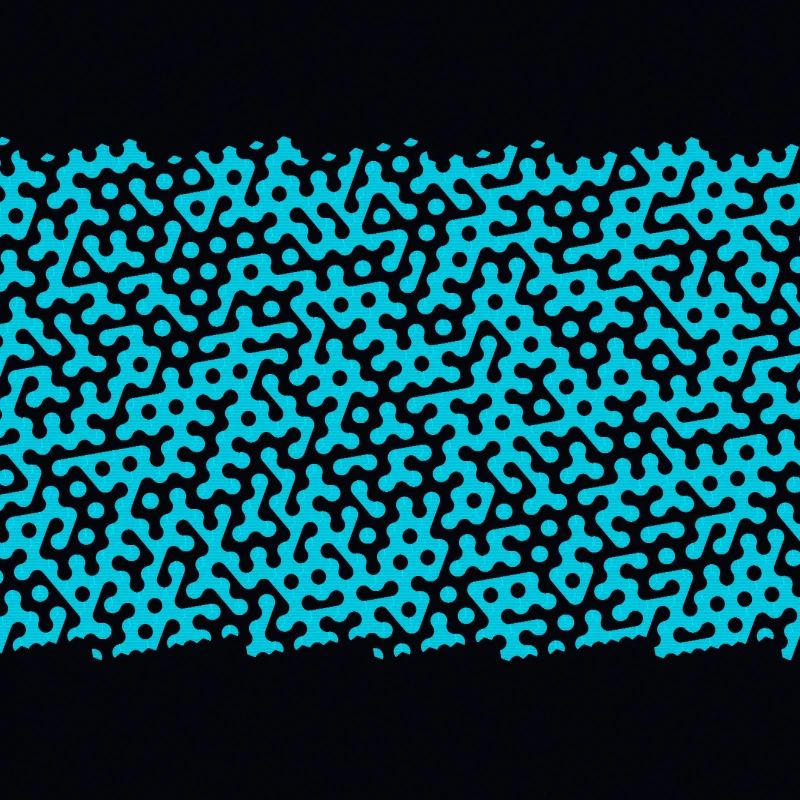
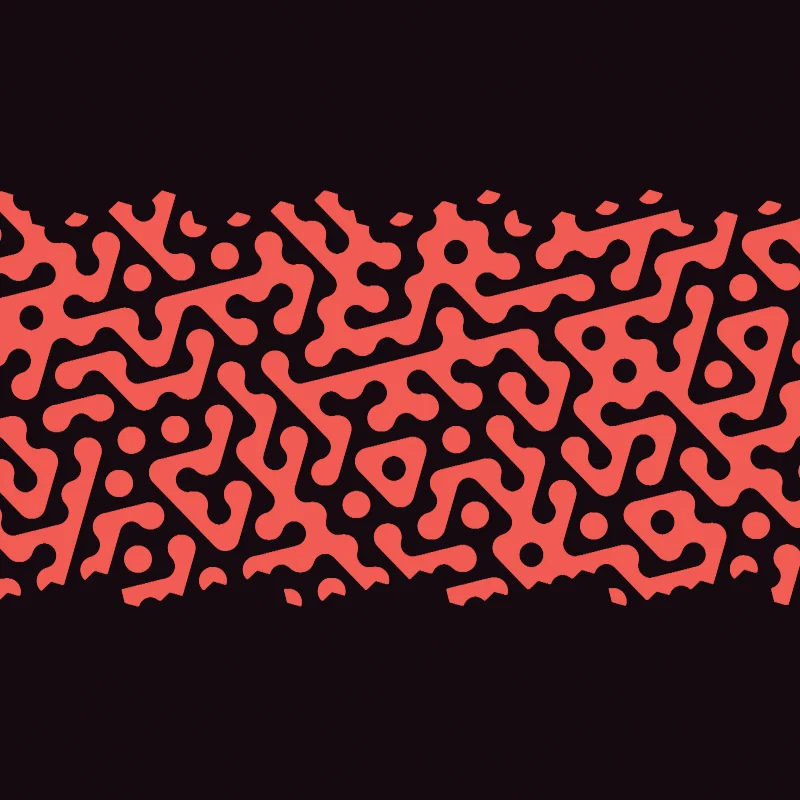
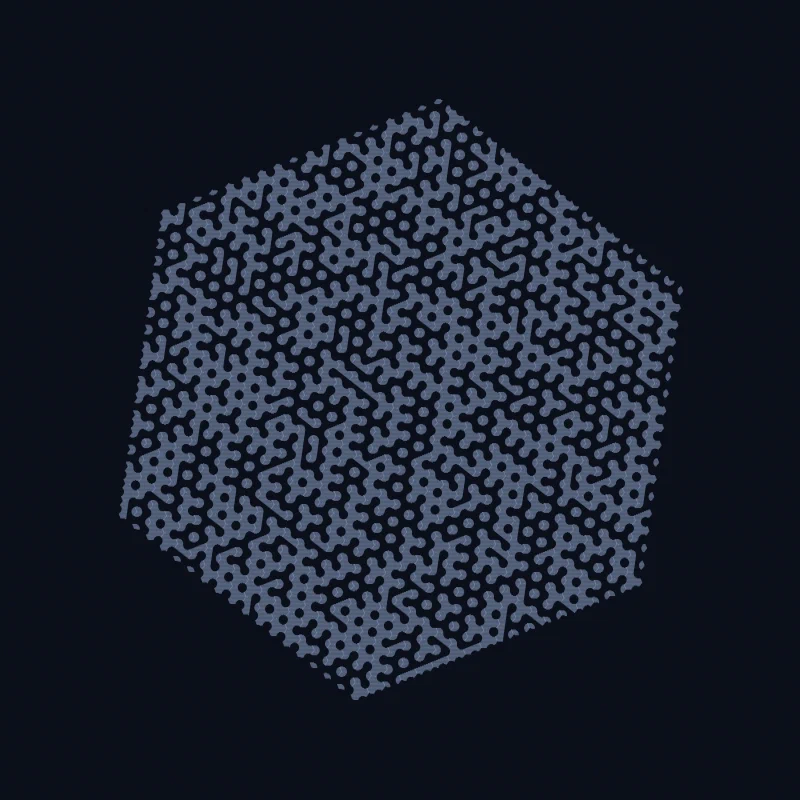
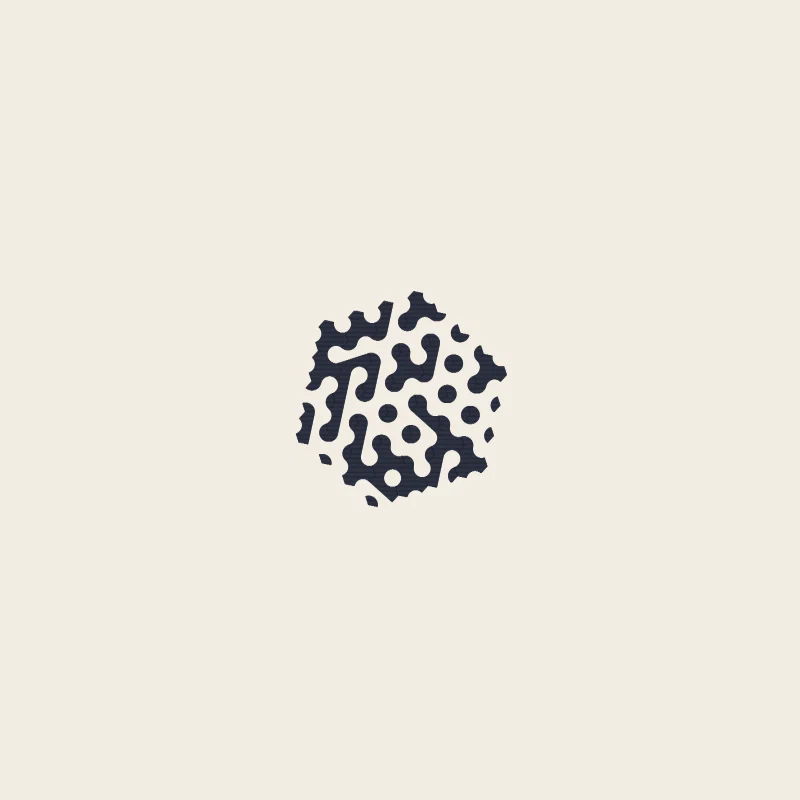
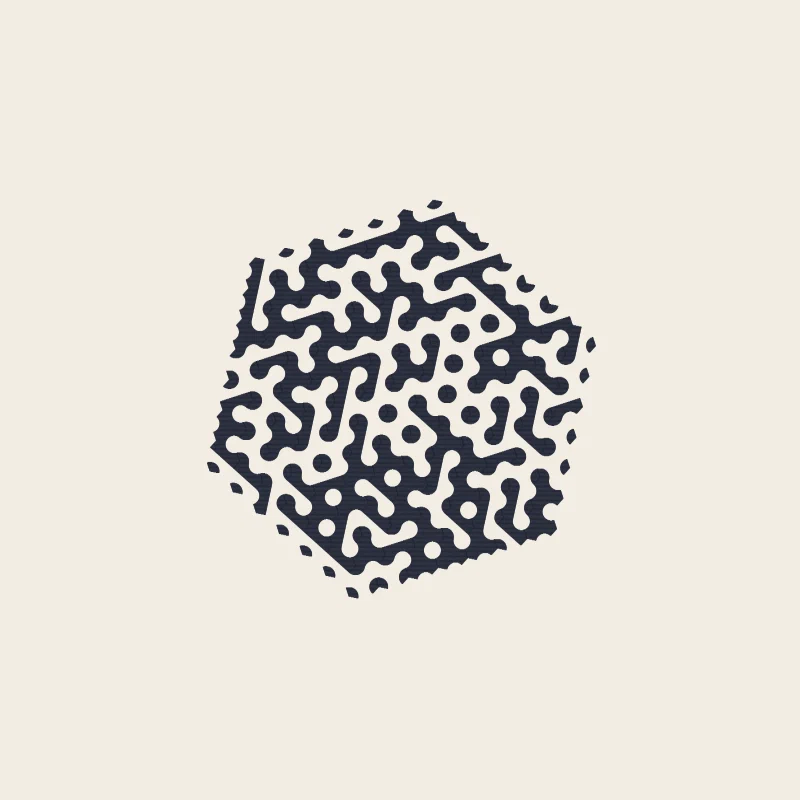
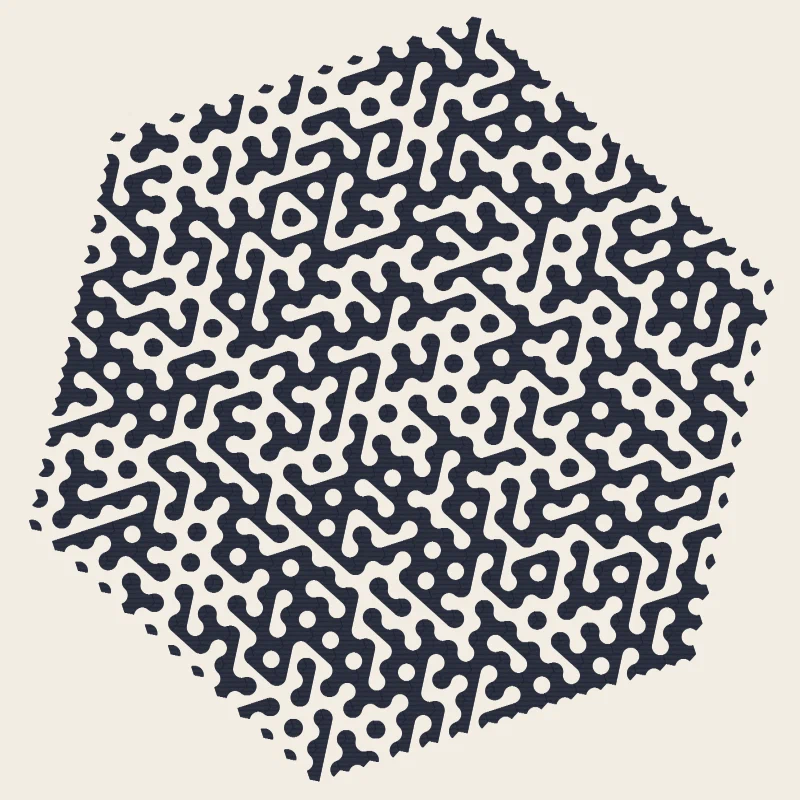
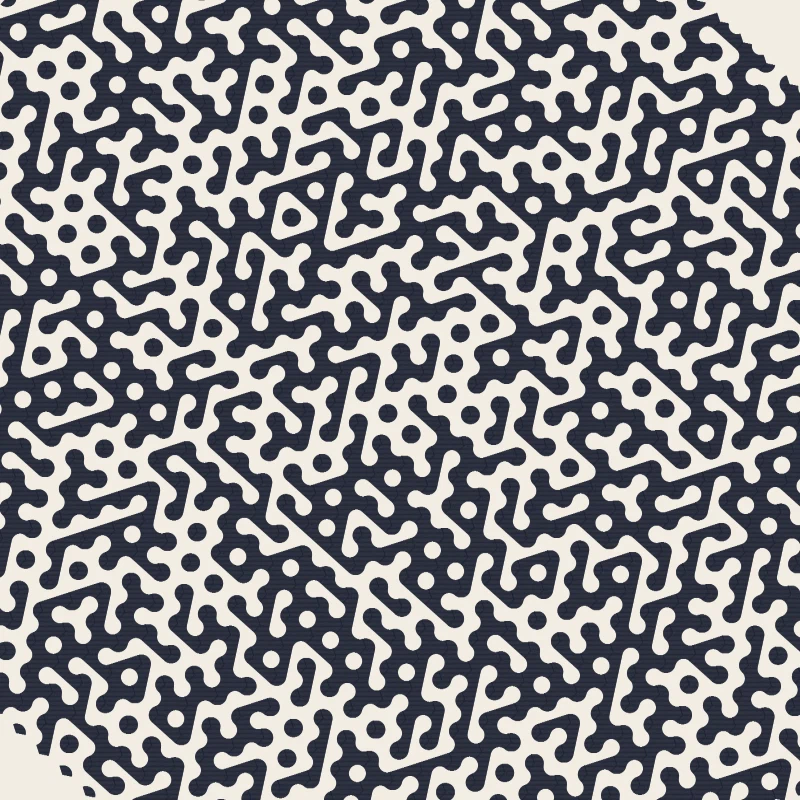
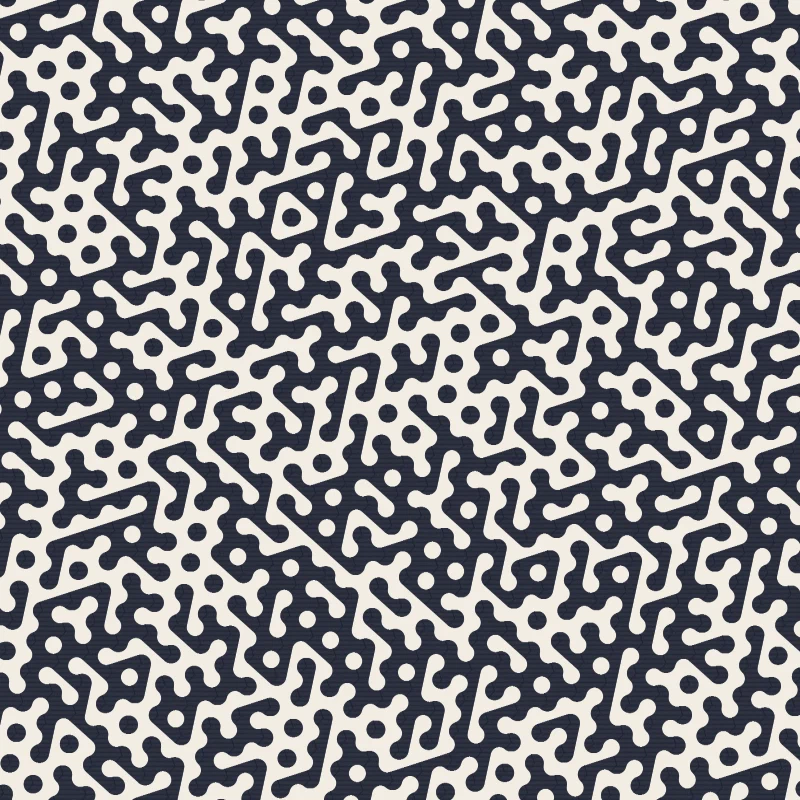
Hexagonal Truchet tiles laid down a cell at a time along an outward spiral, every mark a hatch line.
Truchet, on hexagons
A Truchet tile is a square with a motif that is not symmetric under rotation. Lay
many of them down with random orientations and the motifs join across the edges into
paths that no single tile contains. Sébastien Truchet described the idea in 1704,
studying tiles split along a diagonal.
This piece does it on hexagons, which changes the character of the result: a hexagon
has six edges and three axes, so the joins are three-way rather than four-way, and
what emerges reads as woven ribbon rather than as maze.
The piece was formerly titled “Chladni and Truchet”, a name that never
described the work: no standing wave is simulated, no eigenmode solved. The
rename drops the half that never applied.
Five motifs and a weighted choice
Each cell picks its decoration when it is reached:
int tileType = _rng.NextDouble() < QuietBias
    ? 3 + (int)(_rng.NextDouble() * 2)
    : (int)(_rng.NextDouble() * 3);
QuietBias defaults to 0.7, so seven times in ten a cell takes one of the two
“quiet” motifs, types 3 and 4; otherwise one of the three busier ones, 0 through 2.
The bias matters. An even mix of five motifs produces a texture with no rest in it;
at seven-to-three the busy tiles read as incident rather than as pattern, and each
preset can push it either way — Bold Strip’s 0.35 is mostly busy pentagons, Hex
Dust’s 0.85 is nearly all quiet ribbons. Both branches draw the same number of
RNG values, so the walk stays deterministic for any bias.
Every motif is assembled from the same two primitives — a circular arc built from
eleven sampled points, and a half-hexagon pentagon — placed at the cell’s corner
directions and rotated with the cell.
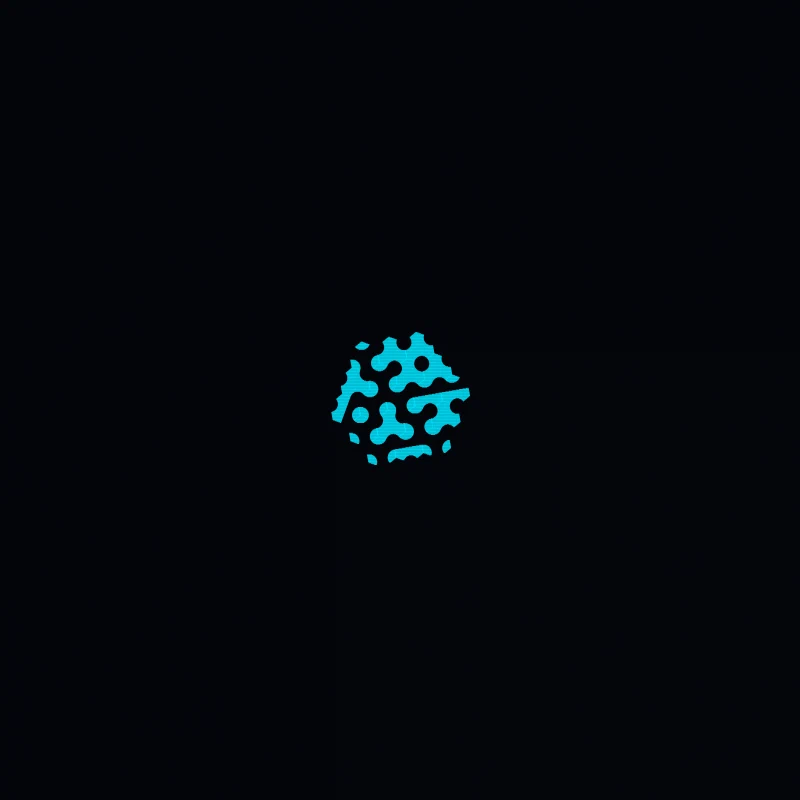
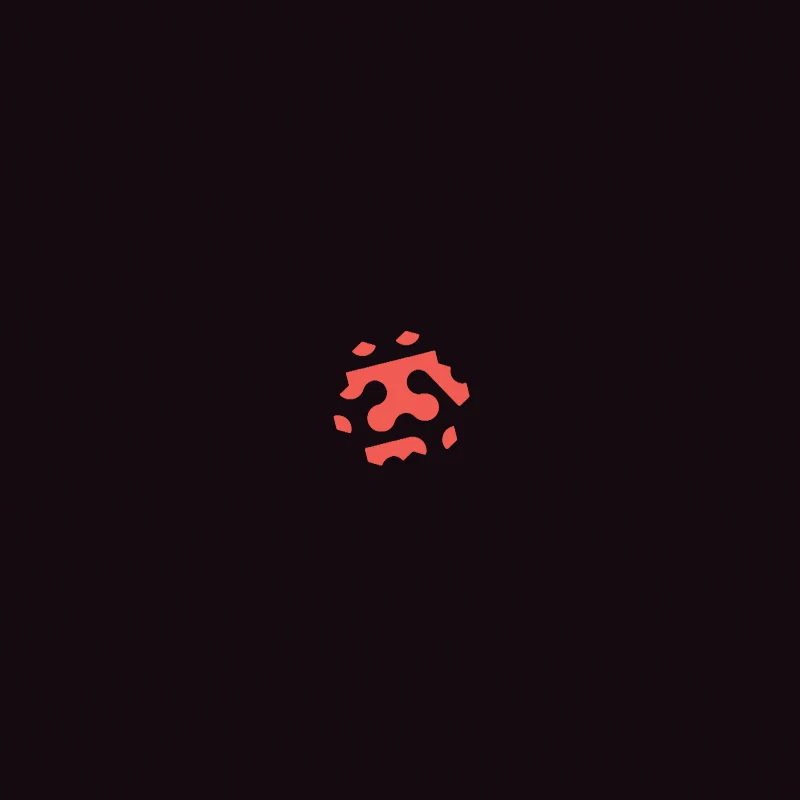
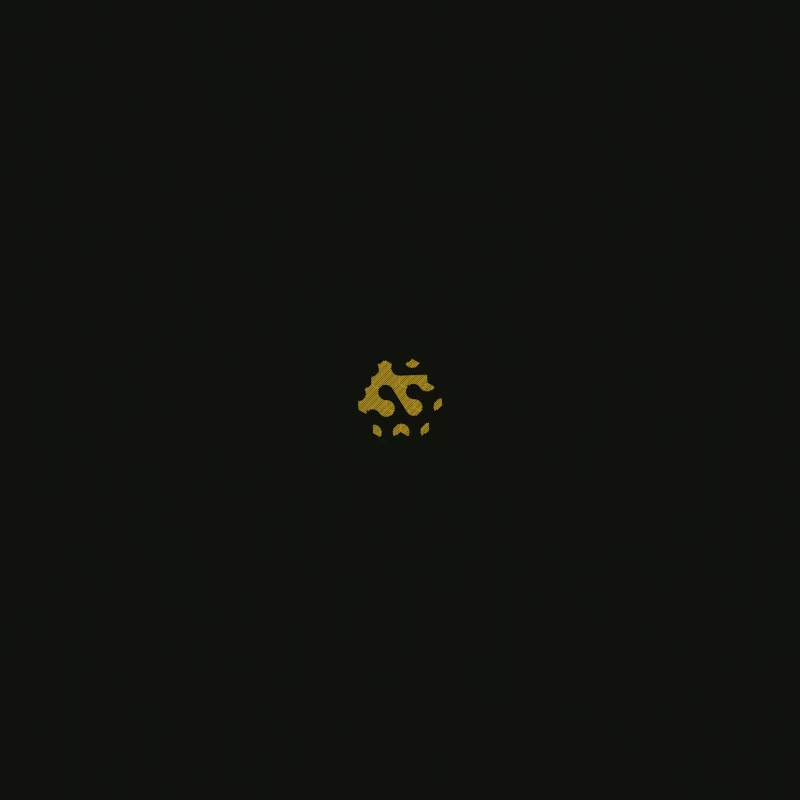
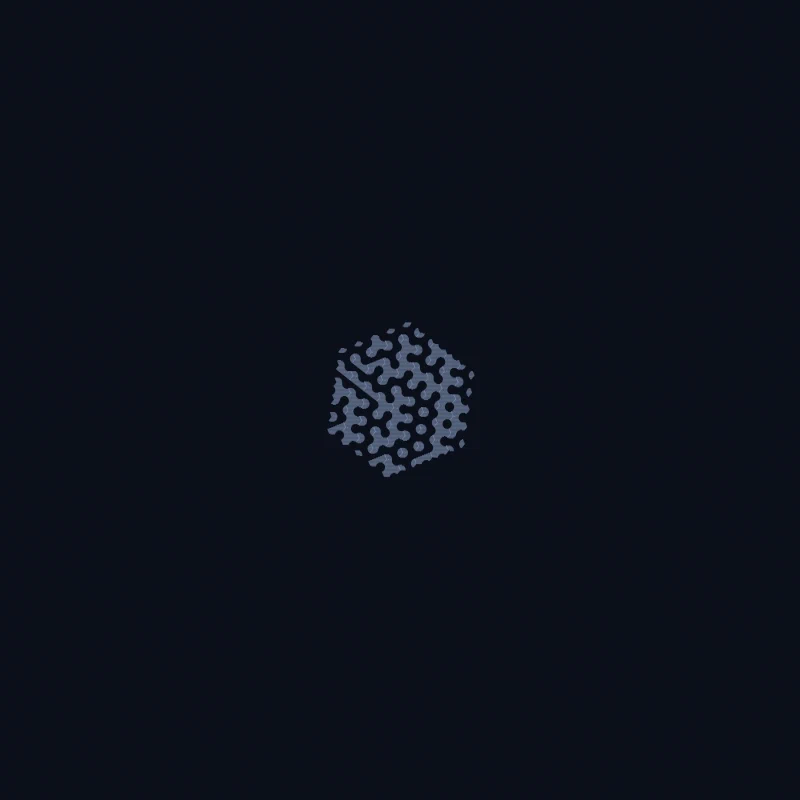
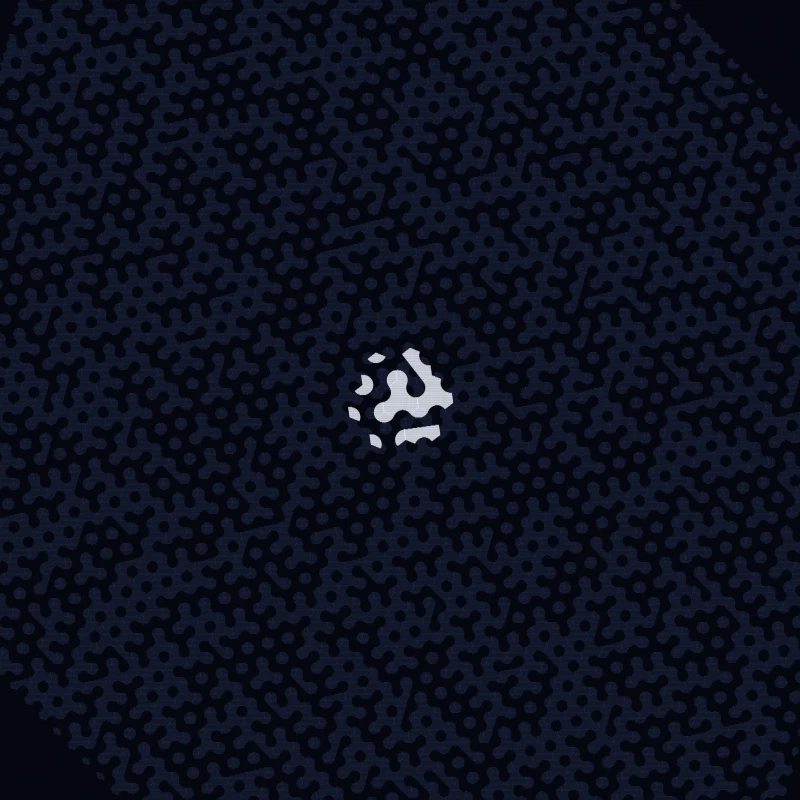
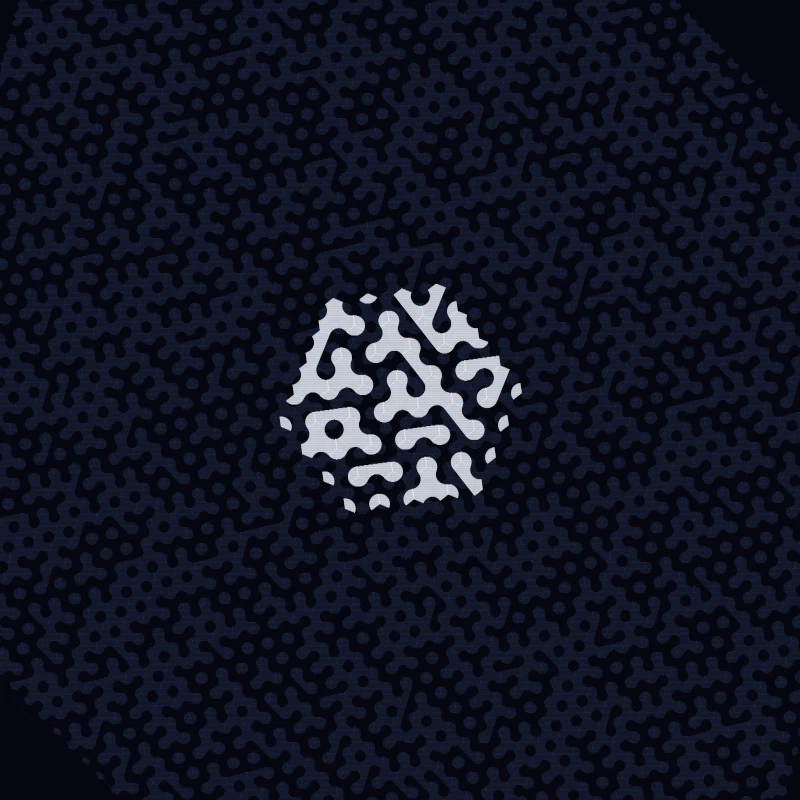
The innermost rings. At this size the individual motifs are still separable, and the
five types can be told apart.
Spiralling out
The grid is not swept in rows. HexGrid is constructed with spiral: true and
hands back cells in a spiral from the centre outward, one ring at a time:
int totalCells = (rings * rings + rings) / 2 * 6;
foreach (var cell in grid.Cells().Take(totalCells + 1))
    cell.Decorate(canvas, paint);
(r² + r)/2 × 6 is the count of cells inside r rings — six per ring, growing
linearly, so the count grows quadratically. That order is why the progression below
grows from the middle: the walk is the drawing order, and the newest cells are
always the outermost.
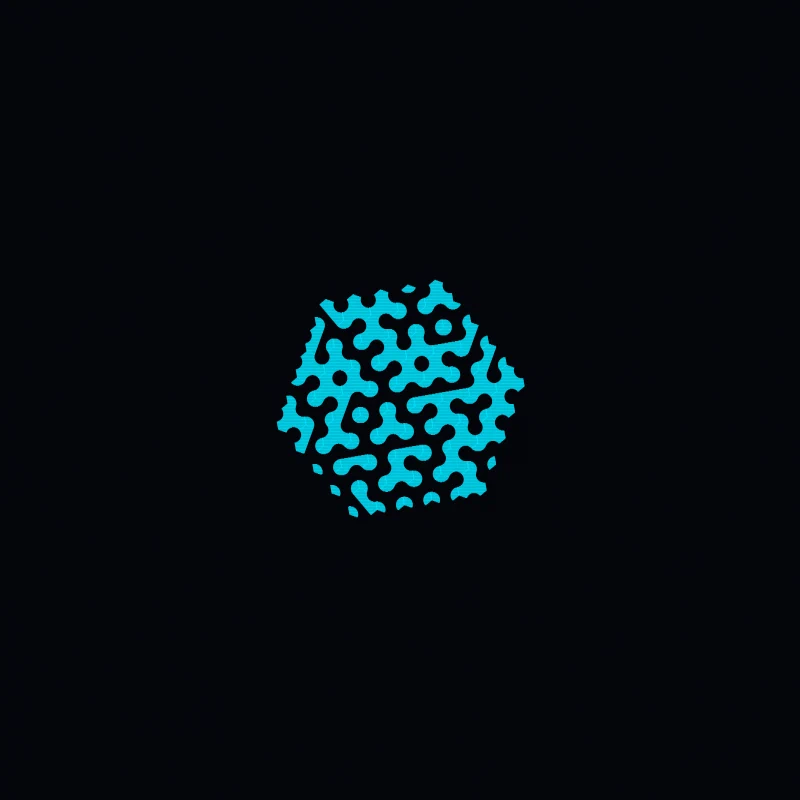
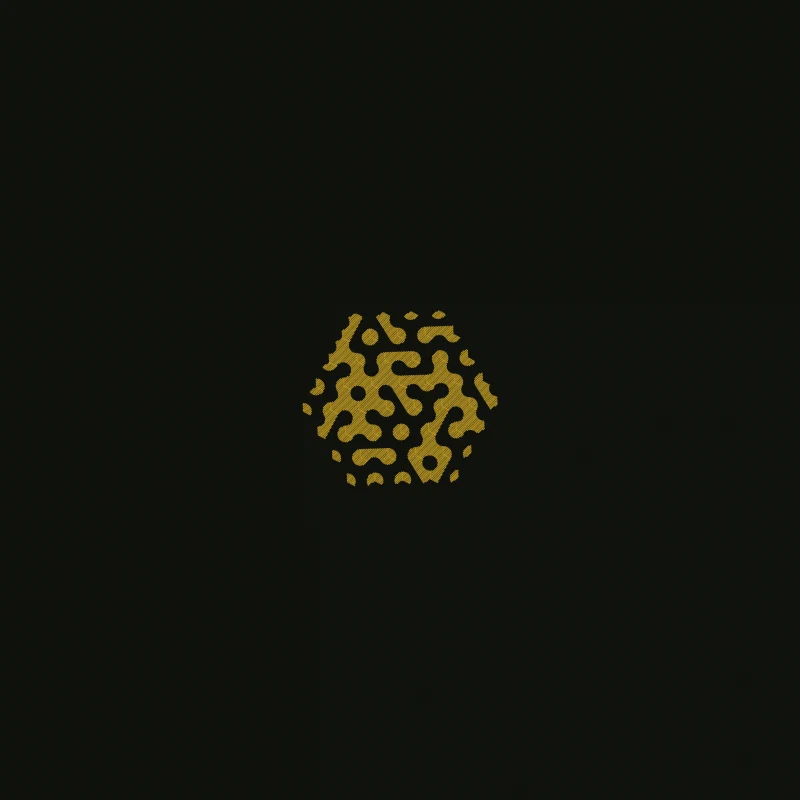
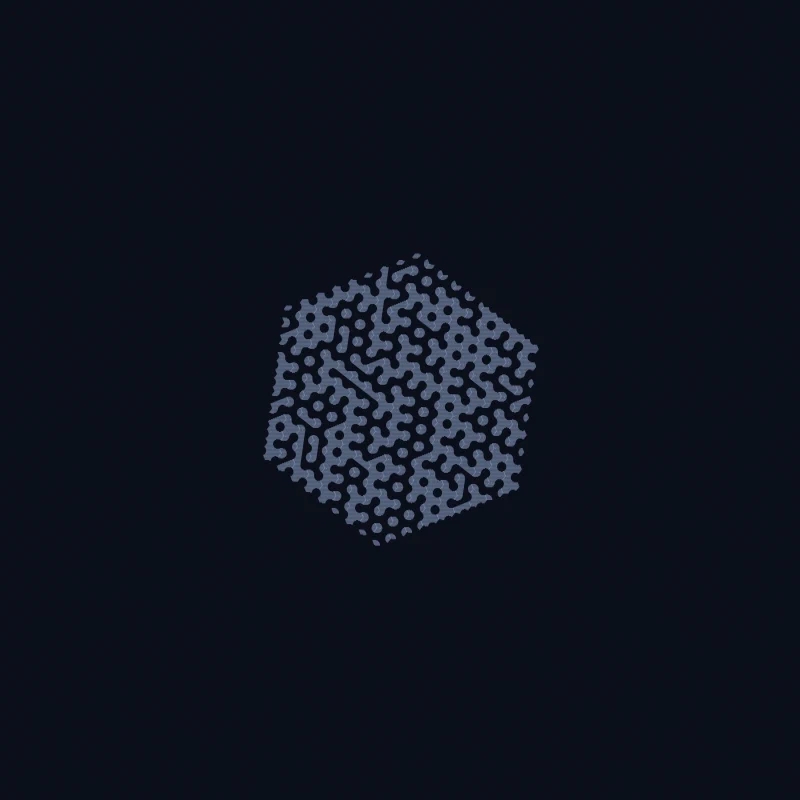
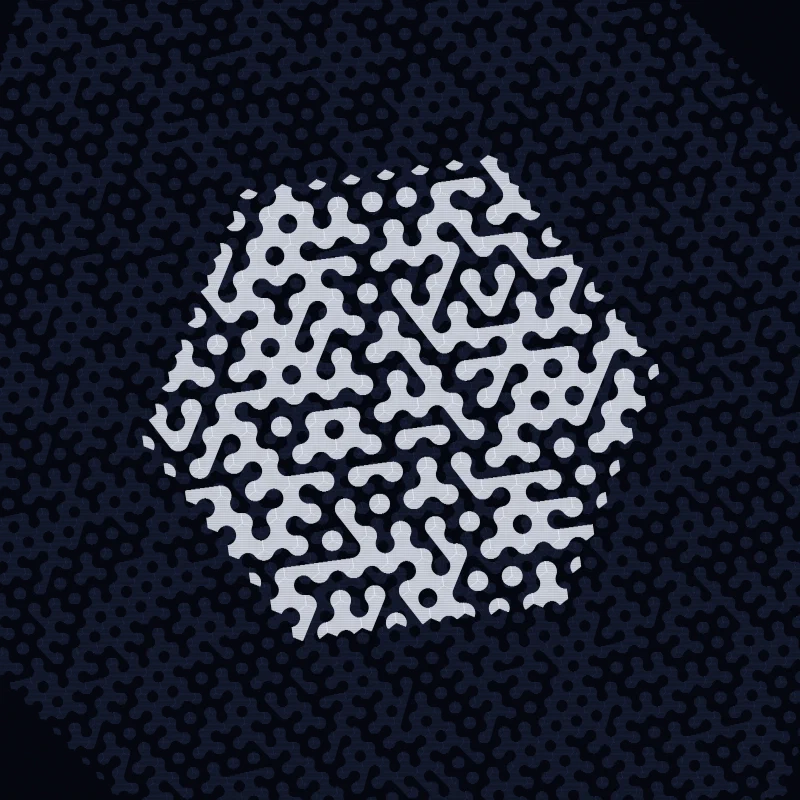
A quarter of the way out. Arcs now meet across shared edges, and the first ribbons
run from one cell into the next.
Everything is a hatch line
There is no fill anywhere in this piece. A “filled” region is a set of parallel
lines clipped to the shape:
if (fill) p.AddHatching(HatchAngle, HatchSpacing);
HatchAngle is 0 (horizontal) and HatchSpacing 0.15 units by default, and both
are per-preset knobs: Etched Medallion hatches at 45° with 0.3 spacing so the
lines read as engraving rather than as solid tone.
The shapes are clipped against each other in the order they are added, so a motif
drawn later removes the hatching of one drawn earlier — hidden-line removal, the
kind a pen plotter needs and a rasteriser does not.
The consequence is visible: overlaps read as paper cut and stacked rather than as
ink over ink, and tone comes only from line spacing. At a stroke width of 0.25 on
a canvas scaled by four, the default hatching is at the resolution limit — which is
why the band reads as solid colour at a distance and as line up close.
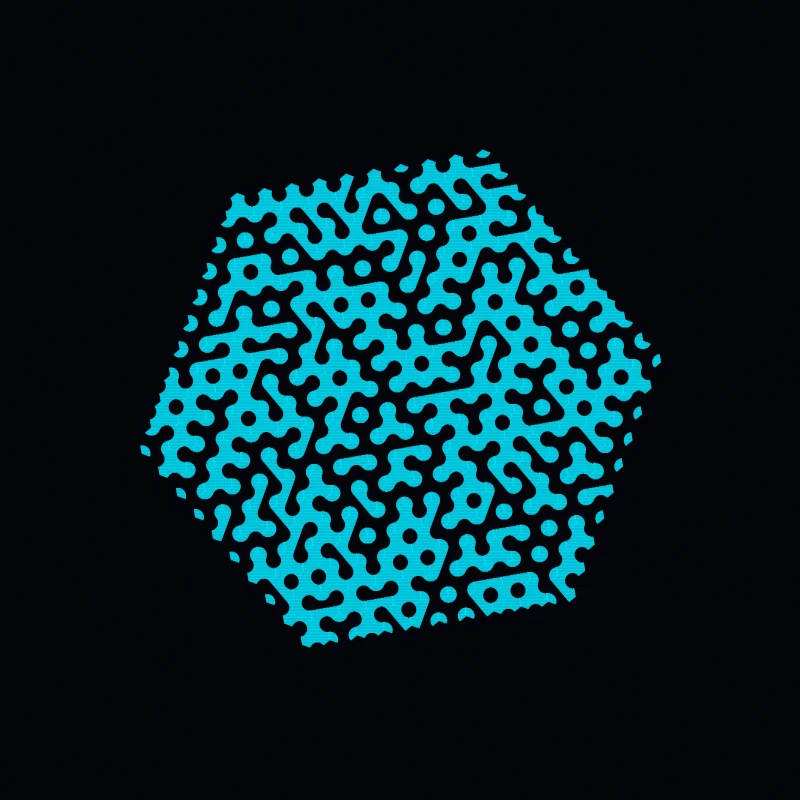
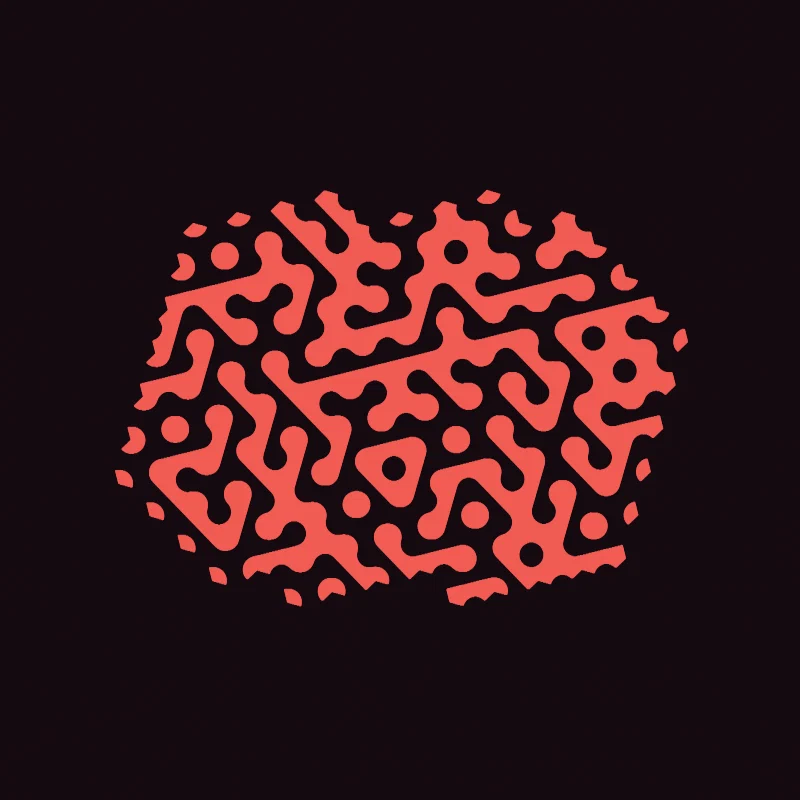
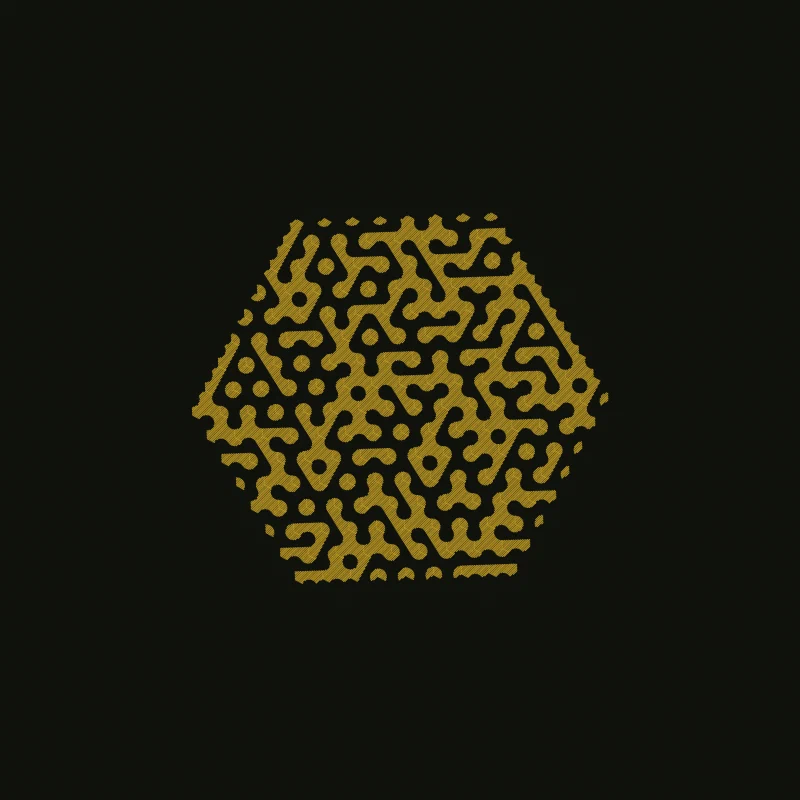
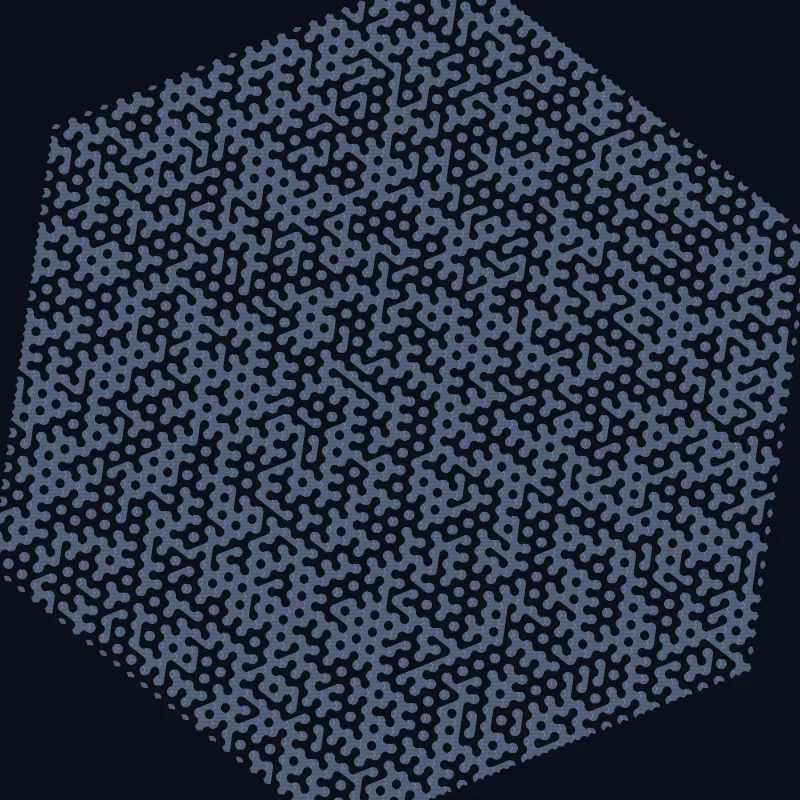
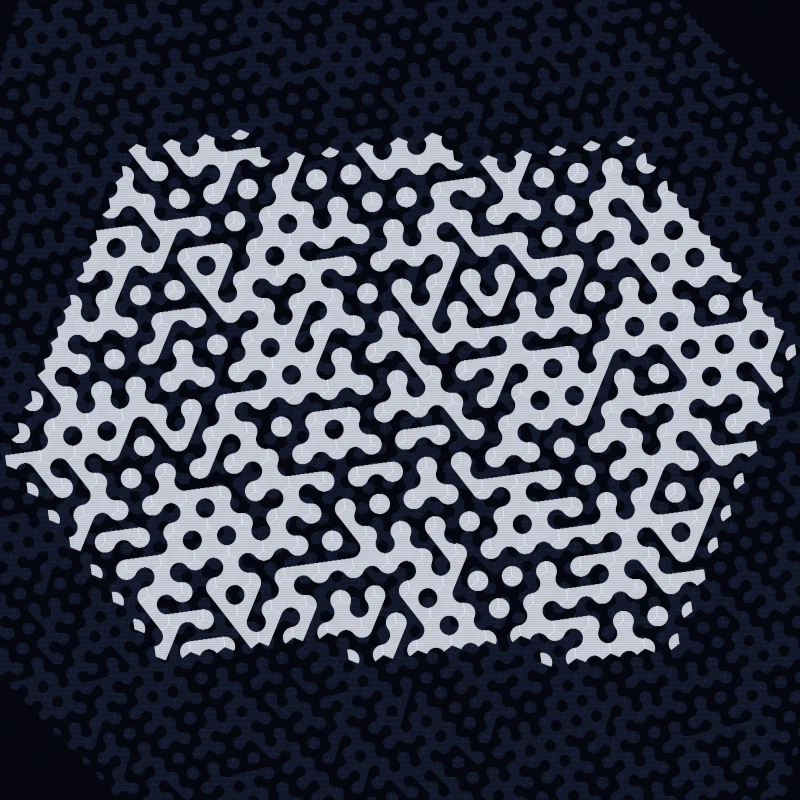
Halfway out, and still a hexagon. The spiral grows evenly in every direction, so
until it reaches the strip boundary the patch keeps the shape of the walk.
Why it is a band
The cells are clipped to a horizontal strip before anything is drawn. The margins
are preset knobs:
public float HBorder { get; init; } = 42f;
public float VBorder { get; init; } = 0f;
A cell whose centre is more than 100 − HBorder units from the horizontal axis is
skipped outright. The spiral keeps walking past it — the generator does not know
about the border — but nothing is drawn. So the outer rings contribute only where
they cross the strip, and the composition ends up as a band rather than as a disc.
With HBorder = 0 nothing is skipped, and the walk’s natural hexagon fills the
whole frame instead — that is what Paper Cuts and Hex Dust do.
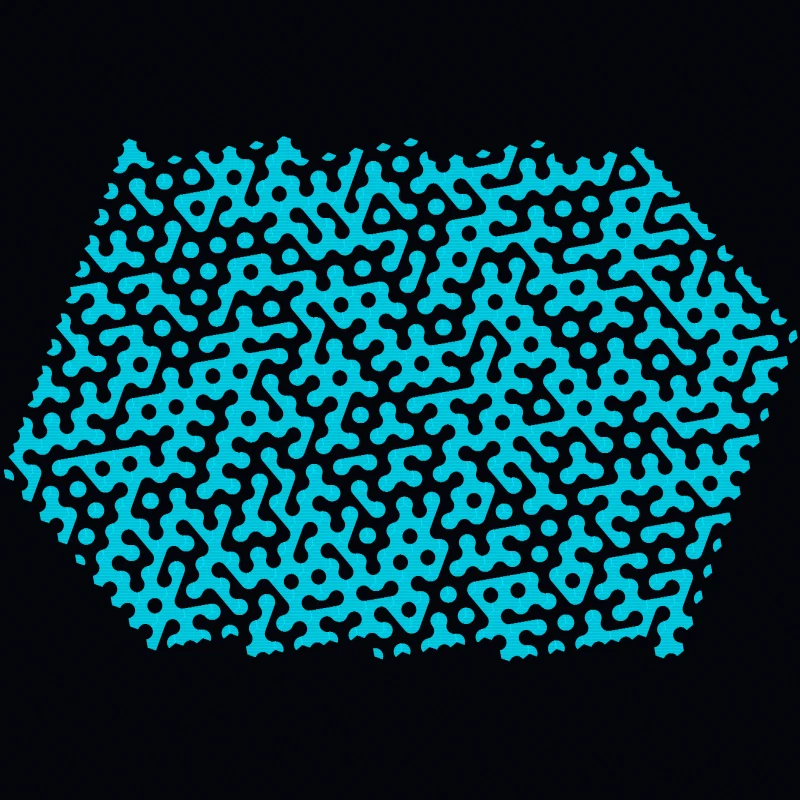
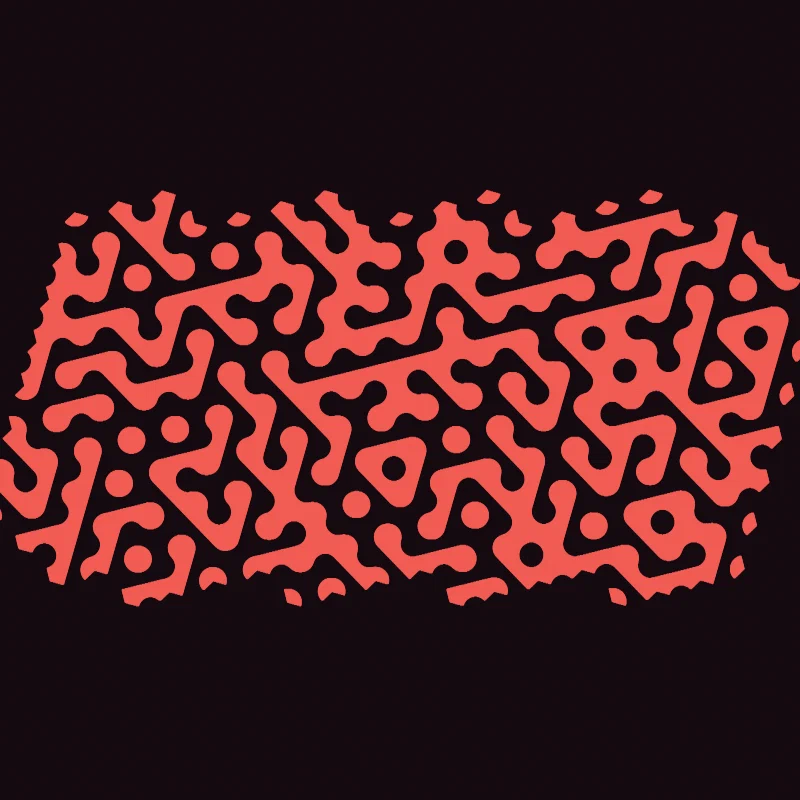
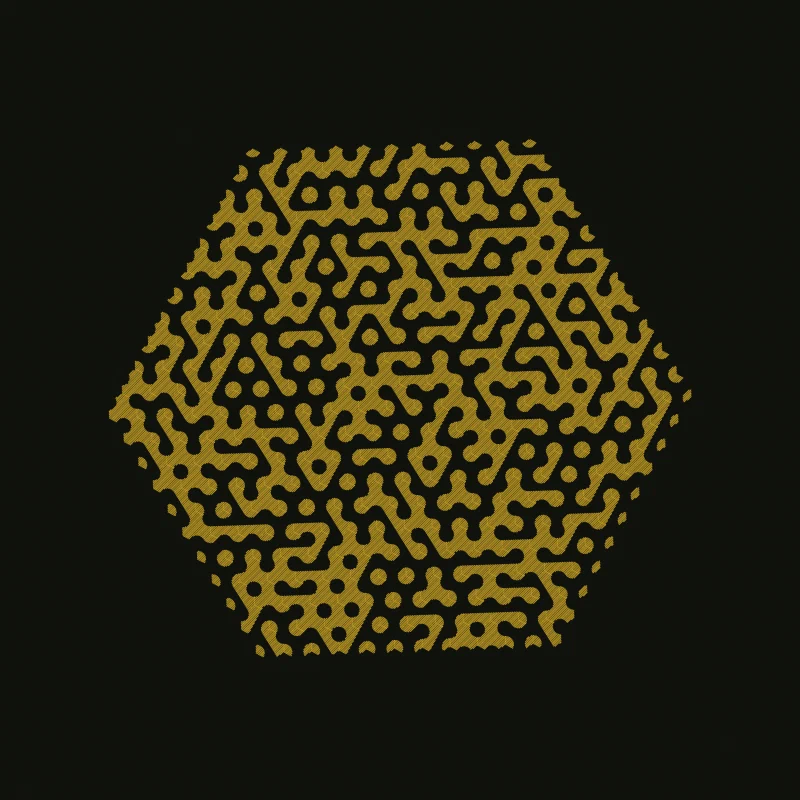
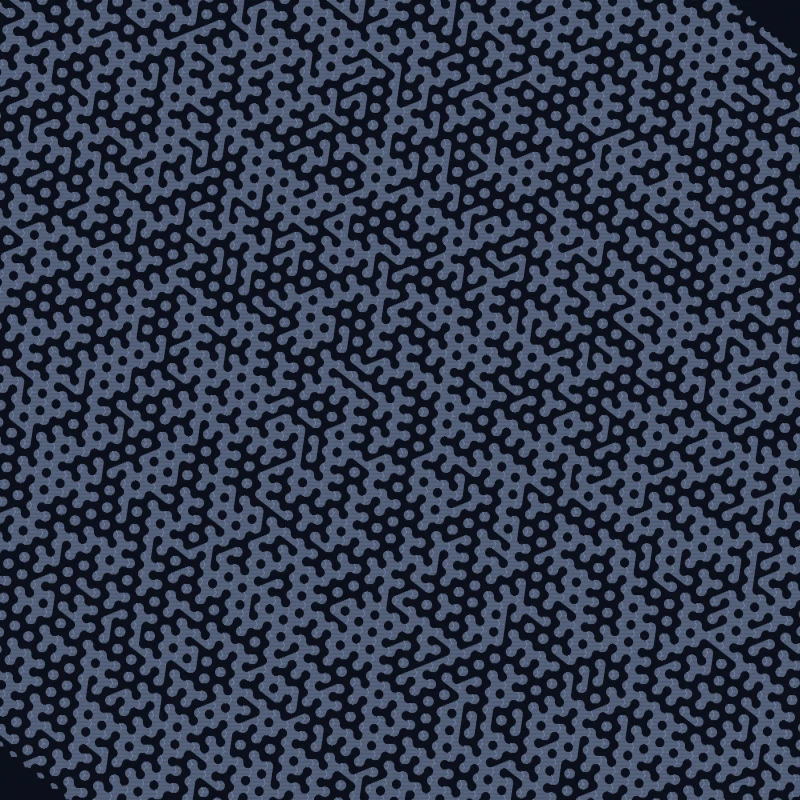
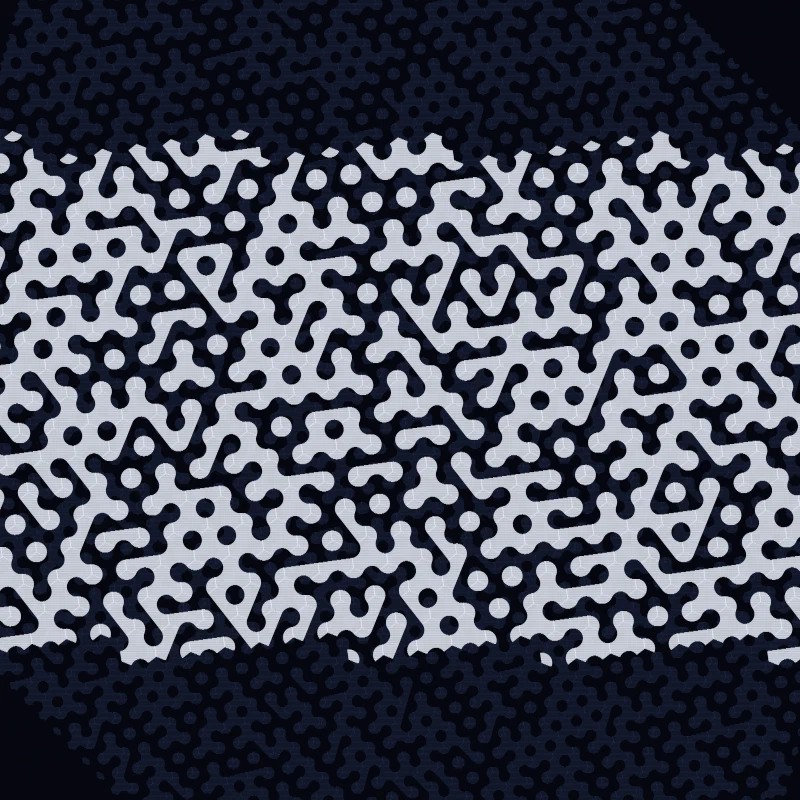
Three quarters, and the top and bottom of the hexagon have been cut away. Cells are
still being reached in every direction; only the ones inside the strip are drawn.
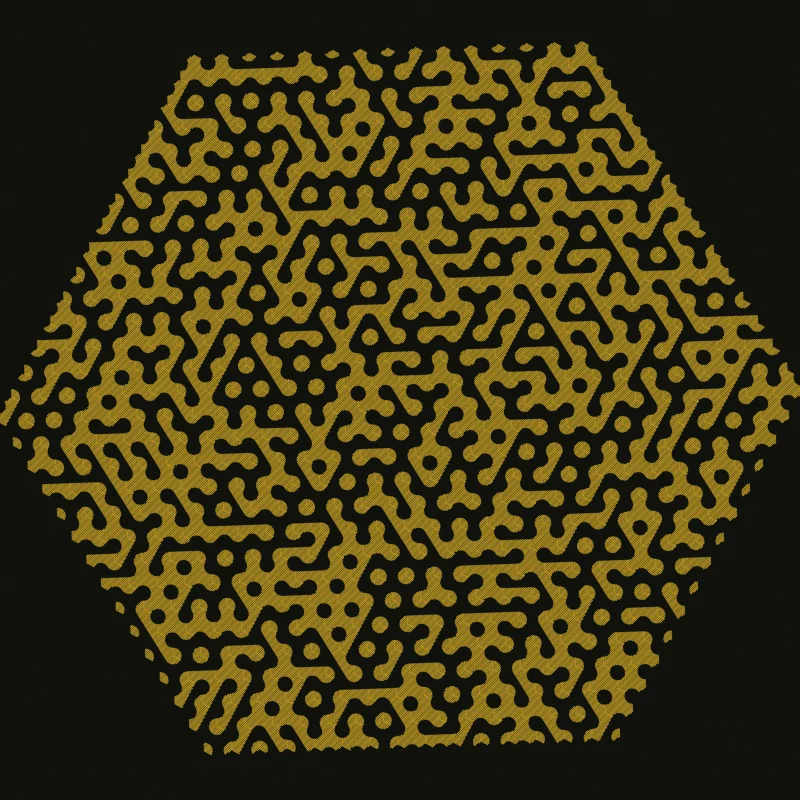
The whole walk. Nineteen rings for this rendering, of which the outer few are
mostly invisible.
Six renderings
| Rendering | Shape | Edge | Rings | Orient | Hatch | Mix | Ink |
|---|
| Hex Ribbon | band (HBorder 42) | 4 | 19 | 20° | 0°, 0.15 | 70/30 | #00E5FF on #04050A |
| Paper Cuts | full frame | 4.5 | 24 | 12° | 0°, 0.14 | 65/35 | #1F2333 on #F2EDE3 |
| Etched Medallion | whole hexagon | 4 | 14 | 28° | 45°, 0.3 | 60/40 | #C9A227 on #10120D |
| Hex Dust | full frame | 2.5 | 34 | 8° | 0°, 0.2 | 85/15 | #8FA3C8 on #0B0F1A |
| Bold Strip | thin band (HBorder 60) | 6.5 | 12 | 16° | 0°, 0.18 | 35/65 | #F25C54 on #150A10 |
| Midnight Layers | band + under-layer | 5 | 15 | 22° | 0°, 0.16 | 70/30 | #E6EBF5 over #33406E on #05070F |
EdgeSize is the cell size and Rings the extent, and the two trade against each
other: Hex Dust uses small cells and many rings, so it is the finest and most
crowded; Bold Strip uses large cells and few, so its motifs are readable as motifs.
OrientDeg rotates the whole lattice, which changes which ribbons run parallel to
the frame.
The other knobs move composition and texture rather than scale. HBorder/VBorder
choose how much of the walk survives — a band, a thin strip, or the full hexagon —
and HatchAngle/HatchSpacing decide whether the marks read as solid tone or as
visible engraving lines. Midnight Layers adds a second, finer walk in dim indigo
beneath the main one, so the piece layers two grids instead of one.
Each rendering also has its own seed, so the tile choices differ. There is no
arrangement being varied here — the arrangement is a fresh draw every time.
The museum plate
The gallery ends with the piece the way it would hang on a wall. MuseumFrame
is a presentation layer, not a generative one: it takes any ISkiaArt piece,
clears to a gallery wall, and draws a frame, a mat with a bevel rule, and the
artwork contain-fitted into the opening behind them. The lead preset, Hex
Ribbon, appears in the gallery twice — once as the raw plate, once framed —
because the frame is a way of showing the work rather than a rendering of it,
and none of the other variants gets a framed copy.
The proportions are fixed: the opening is 65% of the canvas, the mat 32 pixels
and the frame 16 pixels around it, and the rest is wall with a soft drop shadow
under the frame. The artwork is clipped at the mat edge, so the piece’s own
margins stay inside the opening instead of bleeding onto the wall.
Determinism
One Random is created per layer per draw, seeded from the preset (an under-layer
carries its own seed), and threaded through the grid into every cell’s decoration.
Cells consume it in spiral order, so the same seed puts the same motif in the same
cell every run. The generator is System.Random, which the project’s determinism
policy flags as not guaranteed stable across .NET versions — reproducible on a
given runtime, not pinnable by hash across all of them.